Understanding Your Needs

When embarking on the journey to Buying a new laptop in 2025, it is crucial to clearly identify your specific requirements. Each individual’s needs can significantly differ based on lifestyle and intended use. First, consider the primary purpose of the laptop: will it be dedicated to gaming, professional work, or casual use? For gamers, a high-performance laptop equipped with a robust GPU and substantial RAM is essential, while professionals may prioritize processing power for demanding applications like graphic design or data analysis. Casual users, on the other hand, may only require a basic model for web browsing and document editing.
Another key factor to evaluate is portability. Determine if you need a lightweight laptop for travel or if a more robust model with greater performance is acceptable despite the added weight. If you are frequently on the go, a compact and lightweight device with a long battery life will likely be a significant priority. Alternatively, if the laptop will primarily remain at a desk, size and weight may not be as critical.
Budget constraints are equally important in this assessment. Establish a clear budget for your new laptop. While it may be tempting to consider high-end models, it’s vital to balance performance with price. Setting a budget helps narrow down options and ensures you invest in a laptop that meets your needs without overspending.
To assist in your self-assessment, ask yourself the following questions: What software do I intend to use regularly? Do I prioritize gaming capabilities over portability, or vice versa? Finally, how much am I willing to invest? Answering these questions will put you on the right path to understanding your needs, enabling you to make an informed decision when purchasing your new laptop.
Key Specifications to Consider
When investing in a new laptop, understanding essential specifications is crucial for making an informed decision that aligns with your usage requirements. The processor, or CPU, serves as the brain of your laptop. A more powerful CPU enhances performance, enabling smoother multitasking and efficient handling of demanding applications. Popular CPU choices range from Intel’s Core series to AMD’s Ryzen lineup. Selecting the right CPU largely depends on whether you intend to perform basic tasks or heavy-duty computing like gaming or video editing.
Memory, known as RAM, is another key specification. A minimum of 8GB RAM is advisable for general use, while more intensive applications may benefit from 16GB or even 32GB. Increased RAM allows for better performance during multitasking scenarios, making it an important factor to consider based on the types of software you will use.
Storage options usually come down to HDD (Hard Disk Drive) versus SSD (Solid State Drive). SSDs are faster, more reliable, and energy-efficient, improving boot and load times. While HDDs tend to offer larger storage for lower prices, modern laptops predominantly favor SSDs for their superior performance. Aim for at least 256GB of SSD storage for a well-rounded experience.
Graphics capabilities, determined by the GPU, play a significant role in laptops intended for gaming, design, or video work. While integrated graphics suffice for everyday tasks, dedicated graphics cards provide enhanced performance for graphics-intensive applications.
Lastly, pay attention to display quality. The resolution, size, and refresh rate greatly influence visual experiences. A higher resolution (1080p or higher) usually equates to better clarity, while a refresh rate of 60Hz or more is desirable for smoother scrolling and video playback. By understanding these specifications, you can identify a laptop that meets your specific needs and enhances overall usability.
Types of Laptops Available
As the laptop market continues to evolve, consumers have a variety of options to choose from, each with its unique features and advantages tailored for different user needs. Understanding the distinct categories can help prospective buyers make informed decisions based on their usage requirements.
Traditional laptops remain a popular choice, striking a balance between performance and portability. Equipped with powerful processors and ample storage, they cater to users who require reliability for everyday tasks such as office work, web browsing, and media consumption. These laptops are suitable for students, professionals, and anyone looking for a versatile computing tool.
2-in-1 hybrids have gained traction due to their flexibility, allowing users to transition between laptop and tablet modes. This category is particularly appealing to individuals who value versatility, such as creative professionals or students who take notes by hand. The touchscreens and detachable keyboards facilitate a seamless transition, making them ideal for those who prioritize mobility and adaptability.
Ultrabooks have carved out a niche for themselves in the market, characterized by their slim profiles and lightweight designs. These laptops are engineered for portability without compromising performance. Typically featuring high-resolution displays and solid-state drives, ultrabooks are perfect for professionals on the go who need to run demanding applications, but still favor a sleek form factor.
Gaming laptops cater specifically to the needs of gamers, offering high-performance graphics cards, advanced cooling systems, and high refresh-rate displays. These machines are designed to handle resource-intensive games and are suitable for users who crave immersive gaming experiences. However, they tend to be bulkier and may not be ideal for casual users looking for straightforward computing tasks.
Lastly, budget options make laptops accessible to a broader range of consumers. These devices generally come with basic specifications, making them perfect for light tasks like email, social media, and word processing. Targeted towards students and anyone who needs a laptop for minimal usage, budget laptops provide an economical solution without any frills.
Budgeting for Your Laptop
When embarking on the journey to purchase a new laptop in 2025, setting a realistic budget is crucial. This involves evaluating your specific needs and understanding the various types of laptops available in the market. Prices can greatly vary depending on specifications, brand, and purpose, so gaining insight into these factors can help you make informed financial decisions.
First, consider the primary use of your laptop. Are you a student requiring a device for research and note-taking, a gamer seeking high performance, or a professional needing software for graphic design? Entry-level laptops typically range from $300 to $600, ideal for basic tasks such as web browsing and document editing. Mid-range laptops, costing between $600 and $1,200, often offer enhanced performance suitable for multitasking and moderate gaming. For gamers and professionals needing high-end equipment, prices can escalate from $1,200 to over $2,500, depending on the specifications like graphics card, processing power, and storage capacity.
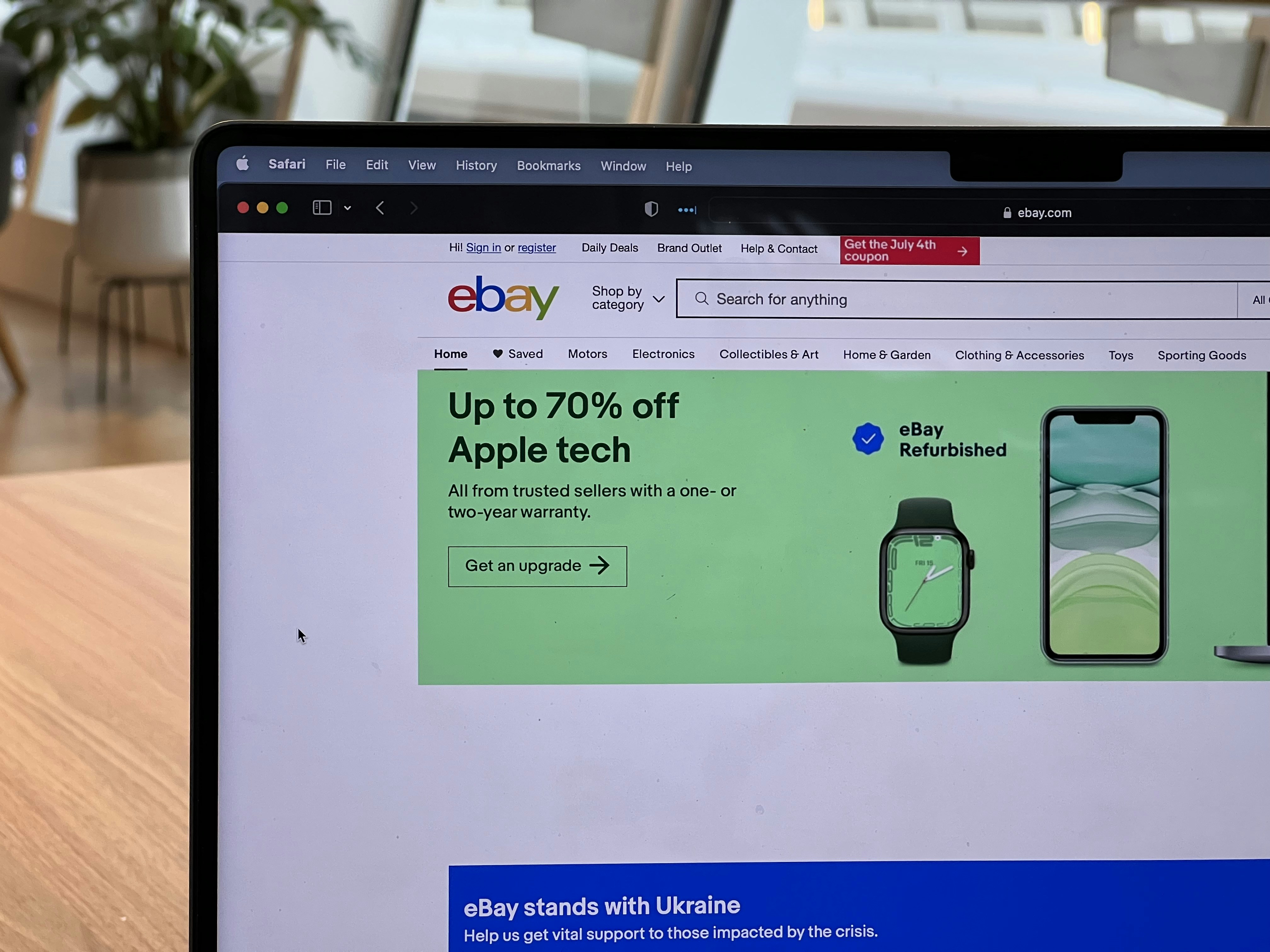
Additionally, identifying cost-effective deals is an integral part of budgeting. One can save considerably by considering refurbished or open-box models available from reputable retailers. Keeping an eye on seasonal sales, such as Black Friday or back-to-school promotions, can yield substantial savings without compromising on quality. Make sure to research and compare different vendors to find promotions or financing options that fit your budget.
Lastly, it’s important to factor in additional expenses such as software, accessories, and extended warranties into your budget. This comprehensive approach will ensure that you are financially prepared, enabling you to procure a laptop that meets your needs without exceeding your budget constraints.
Where to Buy: Offline vs. Online
When it comes to purchasing a laptop in 2025, consumers face a choice between online and offline shopping, each with distinct advantages and disadvantages. Understanding these can significantly impact your buying decision, tailored to your needs and comfort levels.
Buying offline offers the immediate benefit of hands-on evaluations. Customers can physically inspect various models, experiencing keyboard feel, screen quality, and overall ergonomics. This tactile experience is crucial for many, as it helps ensure that the laptop meets personal preferences before committing to a purchase. Furthermore, in-store staff can provide valuable insight, answer questions, and assist with immediate troubleshooting or inquiries about specifications.
On the other hand, online shopping has surged in popularity due to its convenience and often broader availability. Consumers can access a vast array of brands and models from the comfort of their own homes, often finding laptops that may not be stocked in physical stores. Additionally, online retailers frequently provide competitive pricing, promotions, and discounts, leading to potential cost savings. However, one must consider uncertainties regarding return policies; while many online sellers offer generous return windows, some may have restrictions that complicate the return process if the laptop does not meet expectations.
Moreover, online shopping enhances flexibility in researching products; customers can easily access reviews, comparisons, and specifications. Still, potential buyers who prefer the immediacy of acquiring a device may find that in-store options better suit their urgency. Ultimately, the decision between offline and online purchases hinges on individual preferences regarding personal interaction, tactile evaluation of laptops, and the potential for discounts, each method catering to different buying habits. As you contemplate your laptop purchase, weigh these factors to determine which shopping experience aligns with your needs.
Reading Reviews and Ratings
When considering a new laptop purchase, analyzing reviews and ratings can significantly influence your decision-making process. The most effective reviews often provide a balanced view, highlighting both the strengths and weaknesses of the laptop in question. Start by seeking out credible websites dedicated to technology reviews, as these often employ expert evaluators who conduct thorough assessments. Professional reviews tend to focus on key performance metrics such as processing power, battery life, and build quality, offering an overall rating based on standardized testing.
However, user reviews also play a crucial role in shaping your understanding of a laptop’s long-term performance and reliability. While professional reviewers might assess the specifications in detail, actual users can provide insights into day-to-day usability that professionals may overlook. Pay attention to the number of positive versus negative reviews and look for patterns. If multiple users report similar issues, it can be indicative of a genuine problem.
It is also essential to differentiate between genuine reviews and exaggerated or biased ones. Be wary of reviews that are overly enthusiastic or negative without providing substantial evidence. Reviews with extensive details about the user’s experience, including how they use the laptop and how it performed under various conditions, often bear more credibility. Additionally, checking review aggregator sites can help you ascertain an average rating and glean opinions from multiple sources.
Lastly, understanding review metrics can aid your analysis. Differences in star ratings, for example, can be misleading without context. A laptop might have an average rating of four stars based on user opinions, but if those ratings are from only a handful of reviews, they may not present a complete picture. In essence, a careful examination of reviews and ratings will empower you to make informed decisions when purchasing your next laptop.
Looking Ahead: Future-Proofing Your Laptop
When investing in a new laptop, one of the most critical considerations is future-proofing. This concept revolves around acquiring a device that won’t become obsolete quickly and can effectively handle evolving software and applications over the coming years. With rapid advancements in technology, selecting a laptop built for longevity is essential for avoiding premature obsolescence.
A key factor to consider is the laptop’s ability to support software updates. As operating systems and applications receive regular upgrades, they often require increased system resources. Choosing a laptop equipped with the latest processor and sufficient RAM will ensure that it can handle future updates and demanding applications. For instance, opting for a class-leading multi-core processor with at least 16GB of RAM will provide the necessary power to sustain performance as software requirements grow.
Moreover, upgradeability plays a crucial role in ensuring the laptop’s longevity. Some laptops allow users to upgrade components such as RAM and storage – features that can significantly extend the device’s lifespan. Investing in a model that offers easy access for upgrades can save you from needing a complete replacement down the line.
The quality of components is also paramount. Laptops featuring high-quality displays, durable keyboards, and reliable batteries are less likely to fail or require replacement parts soon after purchase. As you assess different models, prioritize those with a reputation for reliability and long-term performance.
A robust warranty can also provide peace of mind, indicating the manufacturer’s confidence in their product. A longer warranty period may suggest greater durability, and it often covers significant repairs that could prolong the laptop’s usable life. By considering these factors, you can make an informed decision that emphasizes future-proofing, ensuring a worthwhile investment in your technology needs.
Accessories and Add-ons to Consider
When purchasing a new laptop in 2025, it is essential to consider various accessories and add-ons that can significantly enhance your overall experience. While the laptop itself offers various features, the right accessories can improve functionality, usability, and convenience.
One crucial accessory to contemplate is external storage options. As files and applications increase in size, having additional storage becomes paramount. External hard drives or solid-state drives (SSDs) can provide ample space for backing up important data, storing large files, and extending the laptop’s storage capabilities without the need for upgrading the internal components. Furthermore, with the rise of cloud storage solutions, services such as Google Drive or Dropbox can supplement these physical drives, ensuring that critical files are both accessible and secure.
Protective cases also play a significant role in maintaining the longevity of your investment. A good case can safeguard your laptop against scratches, drops, and other environmental hazards. Various cases are available, ranging from sleek sleeves for portability to rugged cases designed for travel in rougher conditions. Selecting a suitable protective case based on your lifestyle and usage patterns is advisable.
Docking stations are another valuable addition for users who often transition between workspaces. These devices can expand connectivity options by providing multiple display outputs, USB ports, and Ethernet connections, thereby transforming the laptop into a desktop-like setup. This can enhance productivity, particularly for those who utilize dual monitors or need to connect additional peripherals.
Lastly, consider investing in quality peripherals such as keyboards and mice. An ergonomic keyboard can provide added comfort for extended typing sessions, while a responsive mouse can significantly improve navigation efficiency. Choose accessories that suit your specific needs to ensure a seamless computing experience.
Final Checklist Before Purchase
When preparing to purchase a new laptop, a methodical approach is essential to ensure that you select a device that meets your needs and preferences. To facilitate a smooth decision-making process, consider the following checklist that encompasses critical factors to evaluate before finalizing your purchase.
First and foremost, ascertain the specifications of the laptop. Be sure to review the processor type and speed, RAM capacity, storage options (SSD vs HDD), and graphics capabilities. These components significantly influence performance, particularly for multitasking, gaming, or professional applications. Ensure the laptop aligns with the demands of your daily tasks, be it browsing, office work, or intensive video editing.
Next, consider the importance of warranty and support. Check the manufacturer’s warranty period, as well as the availability of customer support and service options. A solid warranty can provide peace of mind against unexpected failures, ensuring you have help readily available should issues arise with the device.
Budgeting is also a crucial aspect of your decision. Establish a clear budget range before exploring options, as this will help narrow down your choices effectively. Prices for laptops can vary dramatically based on specifications and brand, so understanding what you are willing to spend can keep you focused on viable options.
Lastly, don’t forget to inspect reviews and ratings from other users. Customer experiences provide valuable insights into a laptop’s real-world performance and reliability. Reading reputable reviews can help you avoid potential pitfalls and highlight notable features or shortcomings that may influence your decision.
By diligently utilizing this checklist, you can enhance your confidence and clarity as you embark on acquiring a new laptop that best suits your requirements.